Keep contacts in one place
Store customer and lead information so your team isn't searching through different systems to figure out who someone is.
 Setting the Standard for customer engagement
Small Business CRM
A small business CRM gives your team one place to keep track of leads, customer conversations, follow-up, appointments, and opportunities. Instead of relying on notebooks, spreadsheets, inboxes, and memory, your team can see what is happening and what needs to happen next.
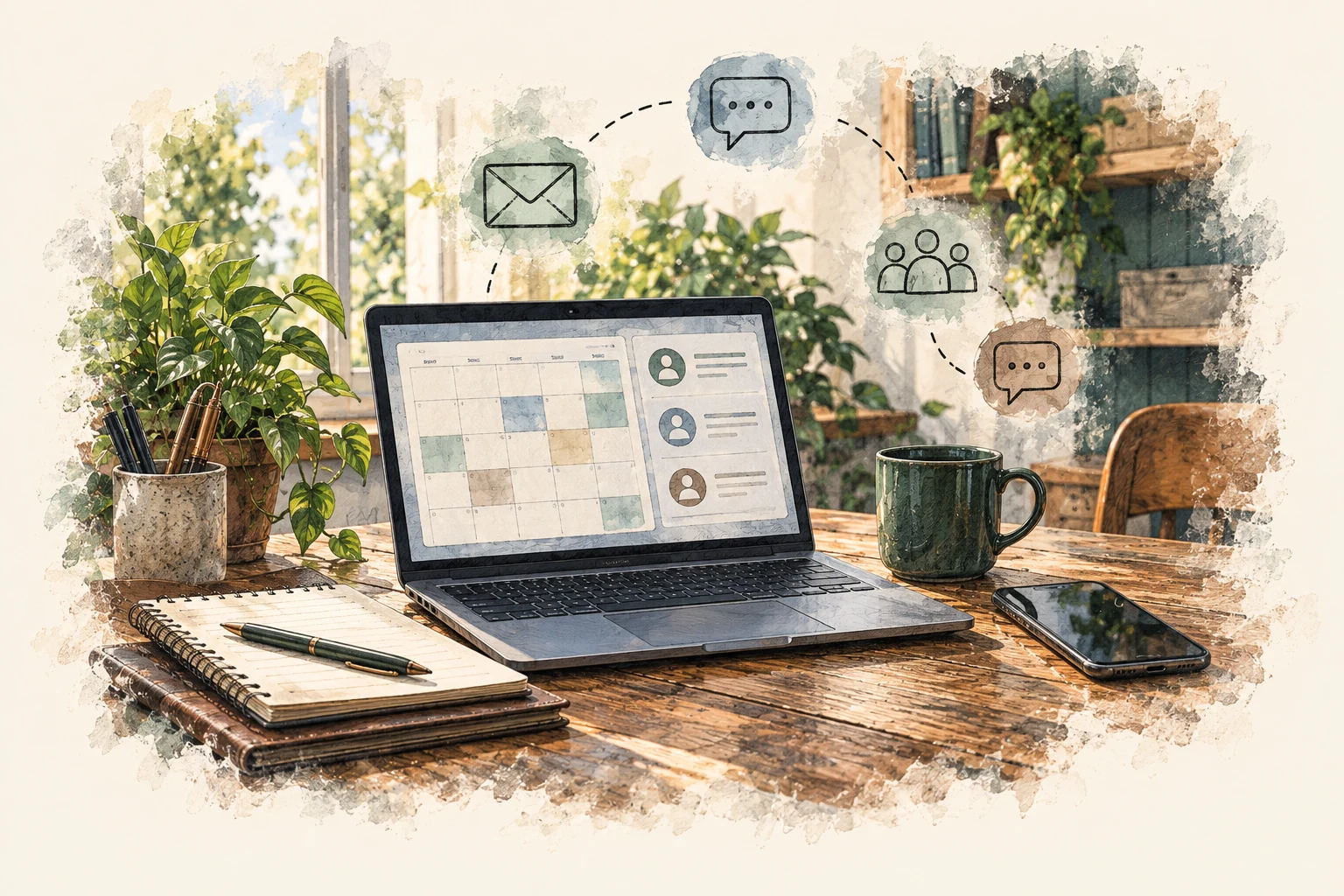
A new lead calls. Another person fills out a form. Someone sends a text. A customer replies to an email. A team member writes down a note. Someone else says they'll follow up later. Before long, important conversations are spread across phones, inboxes, spreadsheets, sticky notes, and people's memories. A CRM helps bring those conversations together.
It gives your team a clearer way to see who needs attention, what has already happened, and what the next step should be.
Every business uses a CRM differently, but the goal is simple: keep important customer information and follow-up organized.
Store customer and lead information so your team isn't searching through different systems to figure out who someone is.
See which leads are new, which ones need follow-up, and which ones are moving toward becoming customers.
Phone calls, texts, emails, forms, and other customer interactions can be easier to track when they are connected to the same contact.
Create reminders and follow-up processes so interested customers don't get forgotten simply because the day got busy.
Keep scheduling, reminders, and customer communication connected to the rest of the relationship.
A sales pipeline or opportunity board can help your team quickly see what is waiting, what is moving forward, and what may be stuck.
A CRM is supposed to help your business stay organized. It should reduce repeated data entry and make the next step easier to track. We focus on making the system fit the way your business already works. That may include bringing together:
The goal is not to use every feature. The goal is to use the parts that make your business easier to manage.
A good CRM can help create a clear process. A customer might:
Instead of that inquiry becoming an isolated message, it can become a contact and an opportunity your team can track. From there, your process might include:
That way, someone reaching out to your business has a better chance of actually getting the help they were looking for.
Most businesses don't intentionally ignore leads. People simply get busy. Someone says, "I'll call them back later." Then another customer walks in. The phone rings. An employee needs help. By the end of the day, the follow-up never happened. A small business CRM can help create a more consistent process. Depending on your setup, it can:
Automation can help, but it shouldn't make your business feel automated. The goal is to make sure people don't get forgotten.
Customers don't always communicate through one channel. One person might call. Another might text. Someone else may fill out a form and then reply by email. A CRM can help bring those conversations into one place so your team has better context when they respond. That can make it easier to answer questions, continue conversations, and avoid asking customers to repeat themselves. Explore the customer communication tools your team can use day to day.
A CRM can also give you a clearer view of potential business. For example, you may want to see: New Inquiry Someone has reached out and needs a response. Contacted Your team has connected with them. Estimate or Proposal They are considering the next step. Follow-Up Needed The opportunity is still open. Won They became a customer.
Lost or Not Ready They did not move forward right now. Your process may look completely different. You can build the pipeline around the way your business actually sells, with setup help available if you want it.
The relationship doesn't have to disappear when the first transaction is complete. Your CRM can also help you stay connected with existing customers. Depending on your business, that may include:
The same system that helps bring customers in can also help you stay connected afterward.
If someone calls your business, that interaction doesn't have to disappear when the call ends. Your phone system or AI receptionist can help collect information and pass it into the CRM. Your team can then see:
That creates a more complete process from the first conversation through the follow-up.
A small business CRM may be useful if:
You don't need a large sales department to benefit from better organization. If customer relationships matter to your business, there is usually something worth keeping track of.
Standard 78 helps businesses improve how they communicate with customers, manage opportunities, and stay in touch. We work with businesses throughout the United States and with businesses here in Ontario and across the Inland Empire. A CRM can be useful for businesses such as:
The system should fit the business, not the other way around.
CRM stands for customer relationship management. A CRM is a system businesses use to organize customer information, track leads and opportunities, manage communication, and keep follow-up from getting lost.
Not every business needs the same level of CRM. But if you have leads, customers, follow-up, appointments, quotes, or ongoing customer communication, a CRM can make those processes easier to manage.
No. A CRM can help with sales, but it can also support scheduling, customer service, communication, reminders, reviews, reactivation, and ongoing customer relationships.
In many cases, yes. A spreadsheet may work when there are only a few contacts or opportunities. As activity grows, a CRM can make it easier to track conversations, reminders, status changes, and follow-up without manually updating everything.
Yes. Depending on the setup, your team can communicate with customers through text and email from the same system.
Yes. Certain messages, reminders, and follow-up steps can be automated based on what happens in the customer journey. We still want the communication to make sense for your business and your customers.
Yes. Website forms, chat, appointment requests, and other inquiries can feed directly into the CRM so your team can respond and track what happens next.
Yes. An AI receptionist can collect information from incoming calls and pass that information into the CRM so your team can continue the conversation.
No. We can start with the areas that will make the biggest difference and add more over time as your team gets comfortable with the system.
Yes. You can configure the tools and handle everyday use yourself. Setup, training, and help with questions are available when you want them.
We'll look at how you currently manage leads, customer conversations, follow-up, and ongoing communication. Then we'll identify where things may be getting missed and whether a CRM can make the process easier for your team. No need to rebuild the way your whole business operates. Start with the parts that would help the most.
---
Explore CRM, AI receptionist tools, business automation and customer follow-up, customer reactivation and retention, websites, and managed services. Meet Standard 78 or book a 15-minute call to discuss a useful next step.